3D painting on tablets

Paint 3D models on your iPad with a pen.

Pawlette is a free 3D texture painter that runs in Safari or Chrome. Load a character or prop, paint on it with pen pressure and tilt, and orbit with your fingers. There is no app to install.

  • iPad, Android tablets and phones
  • Pen pressure, tilt and palm rejection
  • Free, no account
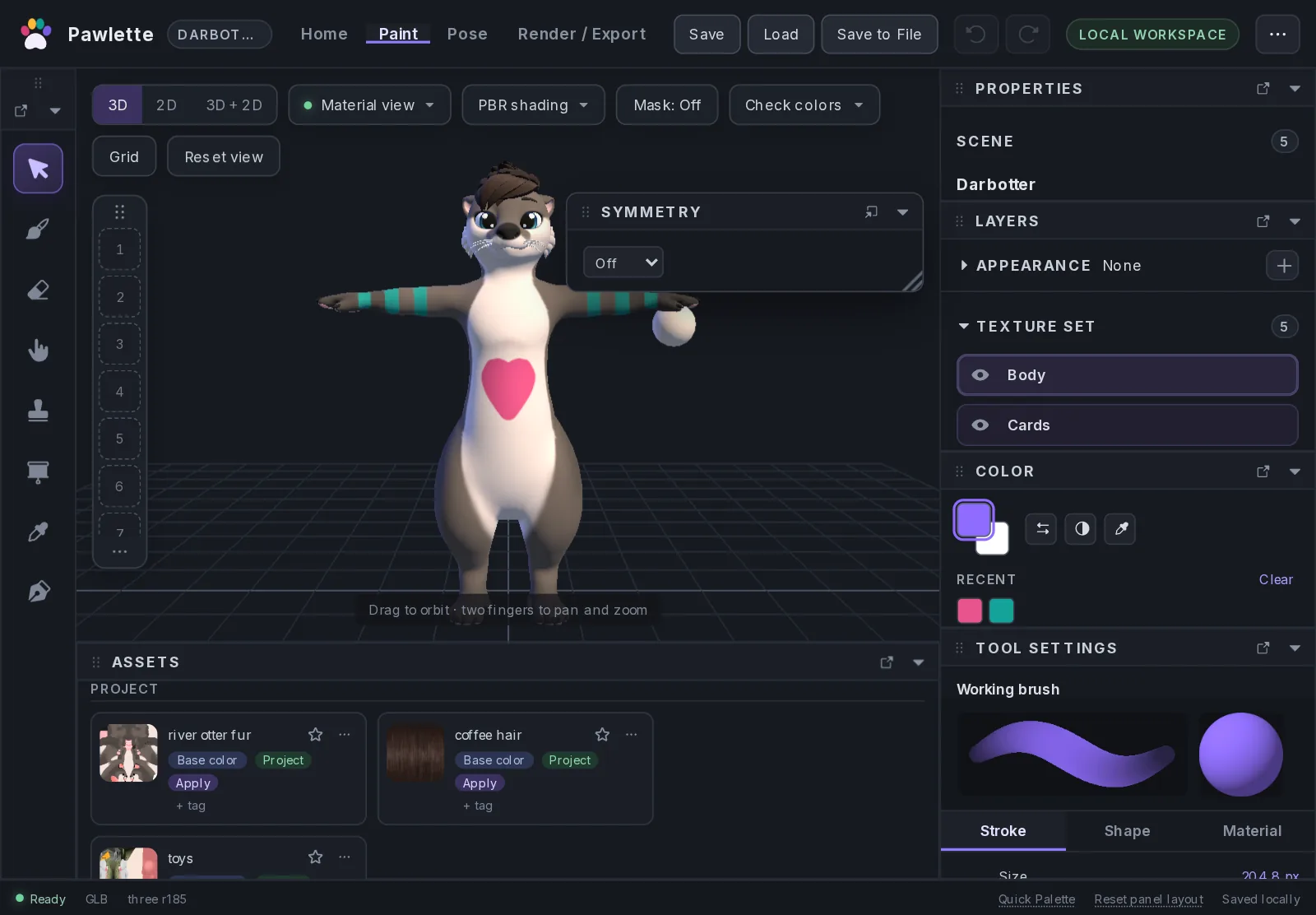
Pawlette on a tablet: the full docked layout with the otter in the viewport and the Assets drawer below.
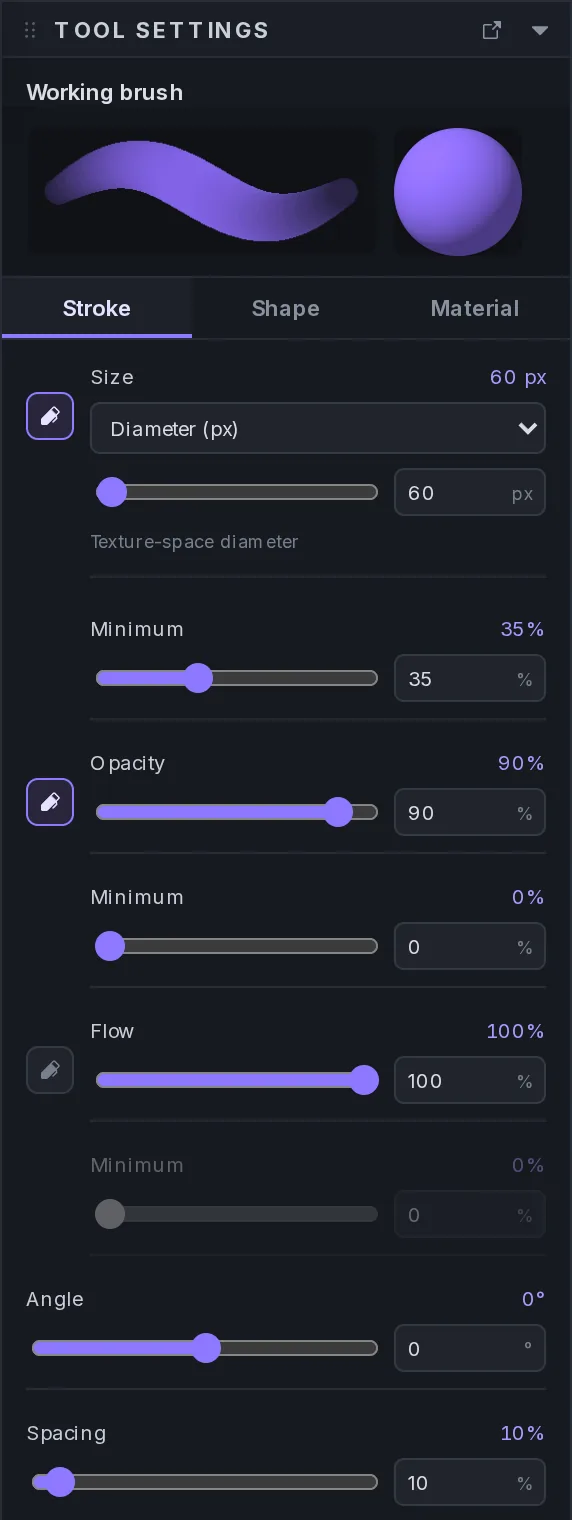
Tool Settings, Stroke tab: size, opacity and flow sliders with pen pressure toggles, angle, spacing and jitter.
Pen

Your pen, not a mouse with extra steps

Pressure can drive size, opacity and flow; tilt and twist can drive almost any brush setting. Rest your hand on the screen while you paint, and it is ignored.

  • Pressure, tilt and twist on brush settings
  • Automatic palm rejection while the pen is near
  • Map the eraser end and barrel button to tools
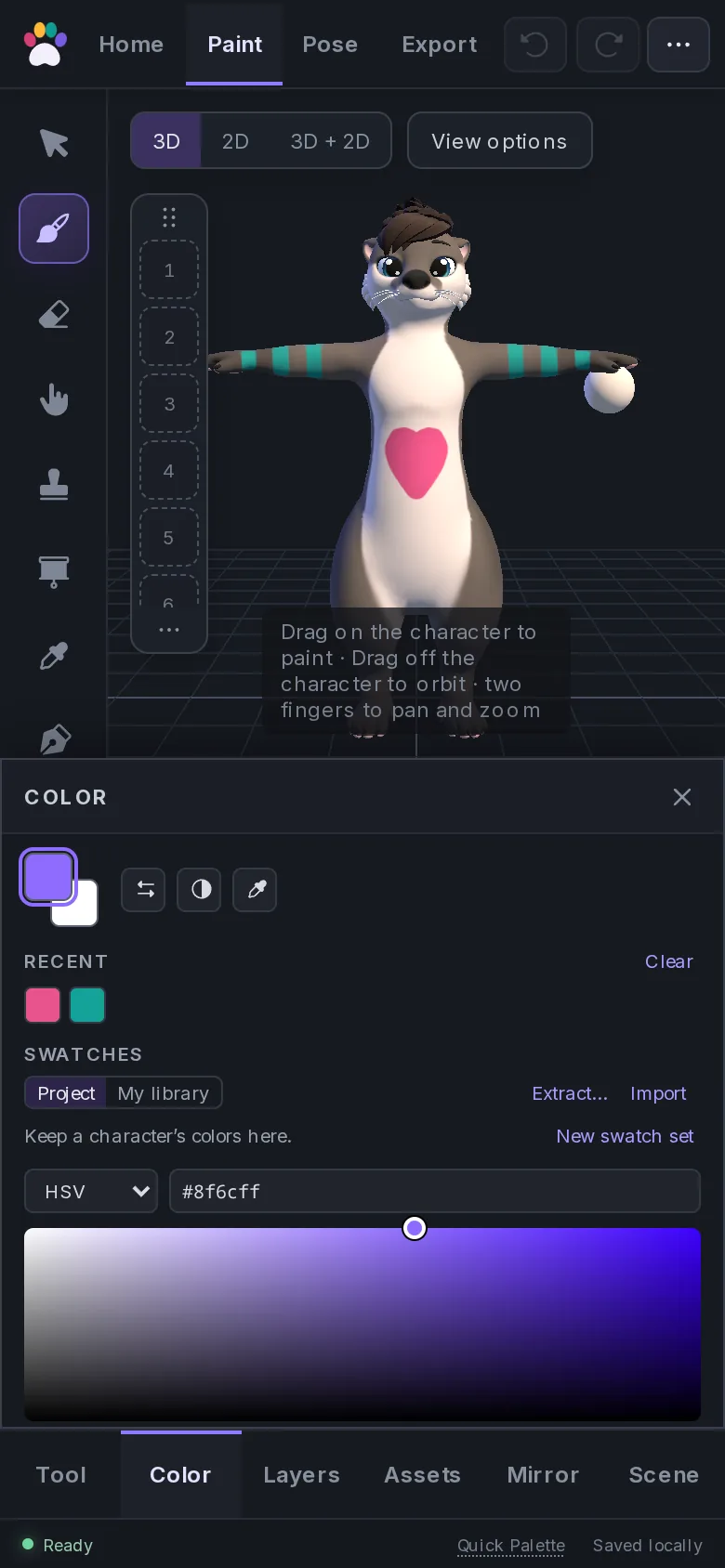
Pawlette on a phone: the otter at the top and the Color panel open as a sheet above the bottom tab bar.
Touch

Gestures that stay out of the way

Paint with one finger, orbit and zoom with two, and tap to undo. On a phone the panels move into a tab bar so the model gets the screen.

  • One finger paints, two fingers pinch and pan
  • Two-finger tap to undo, three-finger tap to redo
  • A compact layout for small screens
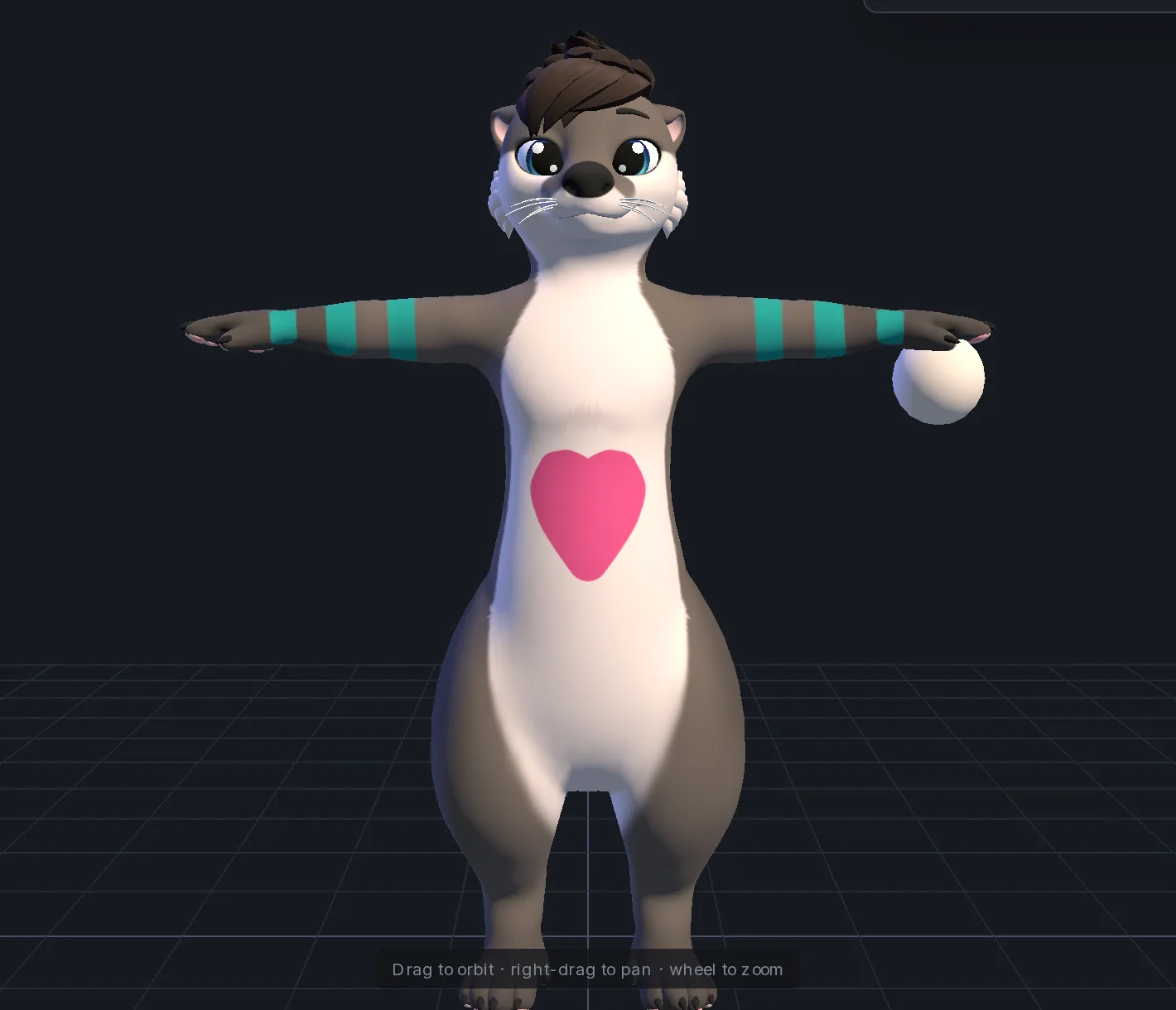
The otter with teal stripes painted on both arms and a pink heart on its chest.
Full editor

The same editor as on a desktop

Nothing is cut down for tablets: layers, masks, PBR materials, posing and engine-ready export all come along. Save a project file and finish it on your computer later.

  • Paint, fill and path layers with masks
  • Export for Unity, Unreal, glTF, Poiyomi and Quest
  • Projects save on the device, or as a .pawlette file

FAQ

Tablet questions

Do I need to install an app?

No. Open paint.pawlette.app in Safari on iPad or Chrome on Android. Any browser with WebGL 2 and graphics acceleration works.

How do I get a model onto my iPad?

Save the FBX, GLB or VRM to Files, iCloud Drive or any storage the browser can open, then pick it in New project. The model needs UVs.

Will a big model run on a tablet?

Tablets and phones have less graphics memory than desktops. If a large project struggles, use 2K textures or set Graphics memory to Low in the System status panel.

Is it free?

Yes, every tool and export. Patreon supporters get cloud backup and sync across devices.

Grab your pen

Open the editor on your tablet and drop in a model.