Is it really free?
Yes. Every tool and every export template is free with no account. Patreon supporters get cloud backup and library sync; nothing in the editor is locked.
Does my avatar get uploaded anywhere?
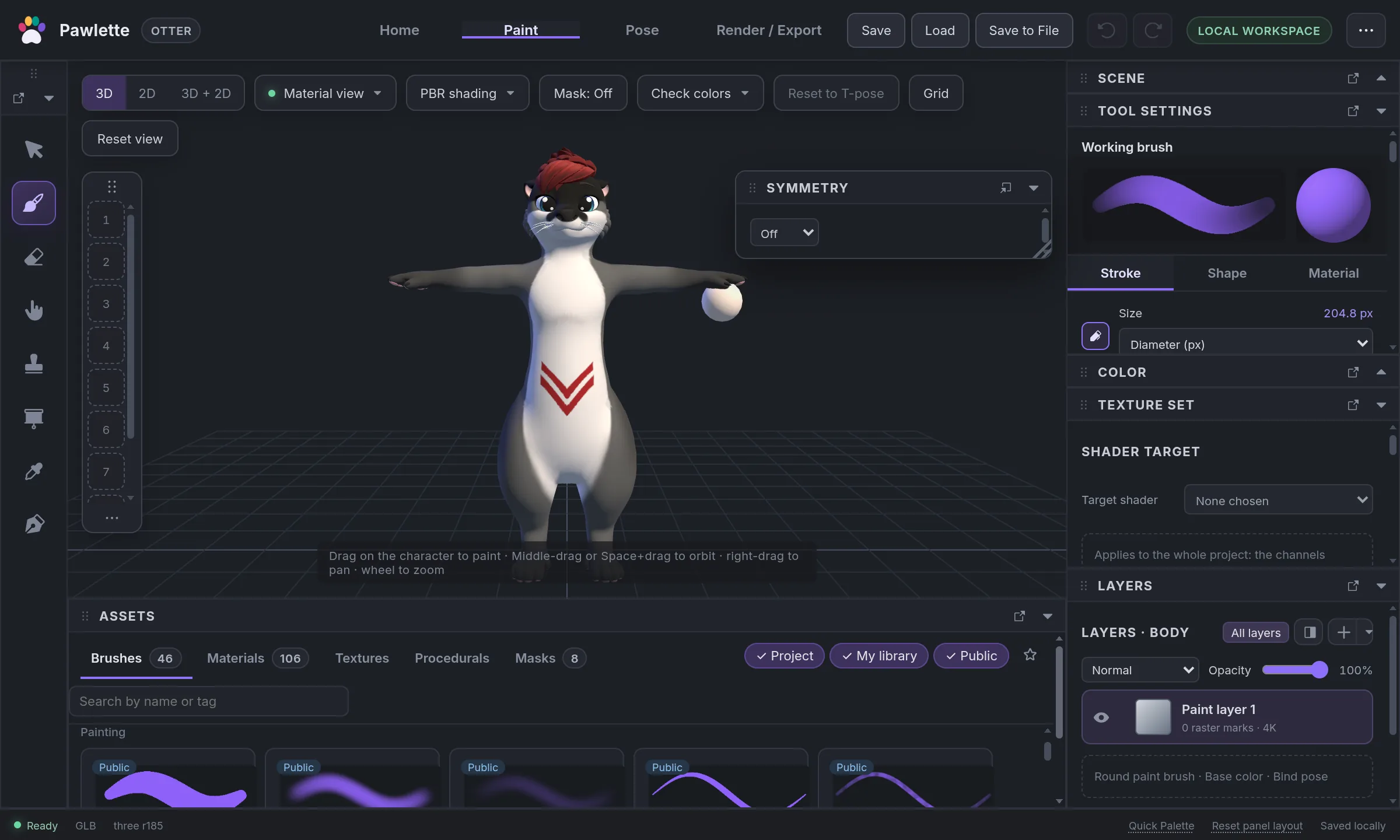
No. Models are converted and painted in your browser, and projects save to your own device. Your files only leave it if you are a patron and turn on cloud backup.
Will it work with my base from Booth or Gumroad?
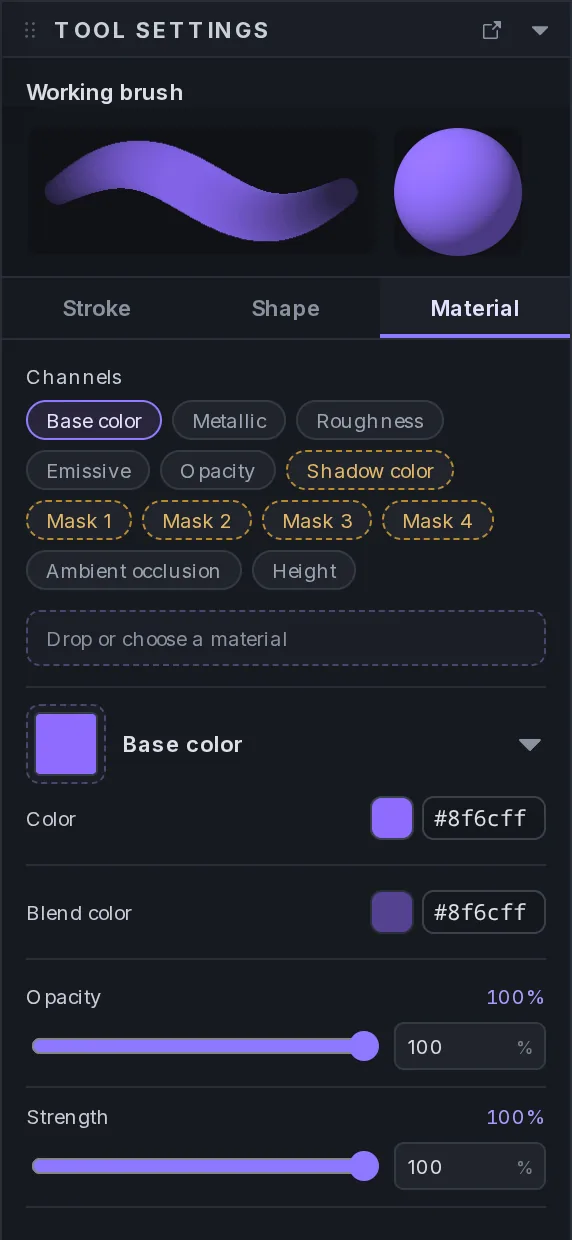
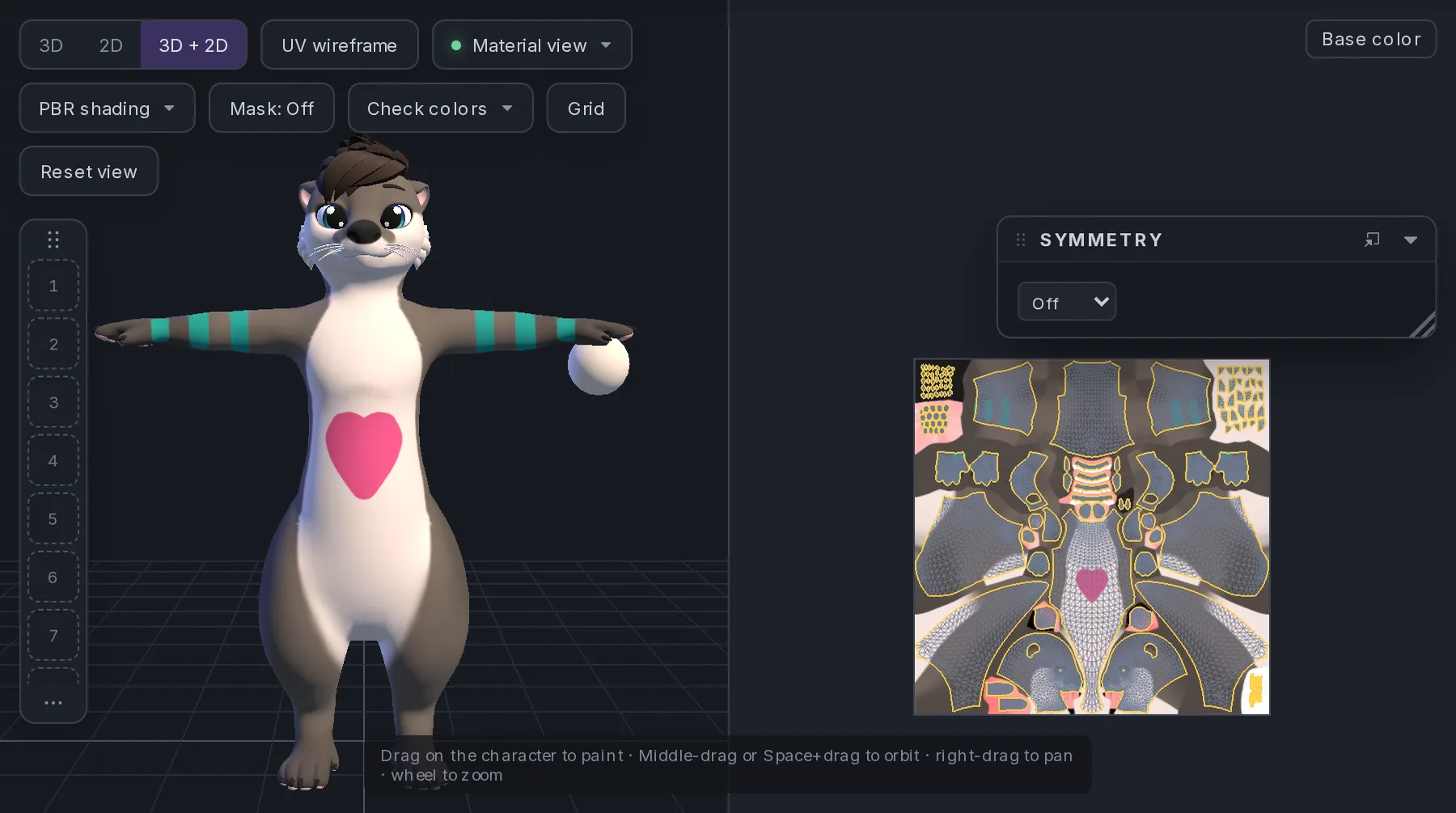
If the base ships an FBX with UVs, yes. Each material on the mesh becomes a texture set you can paint at 1K, 2K or 4K. You can also drop the base's original textures onto the model as a starting fill layer.
Can I bring in my Poiyomi materials?
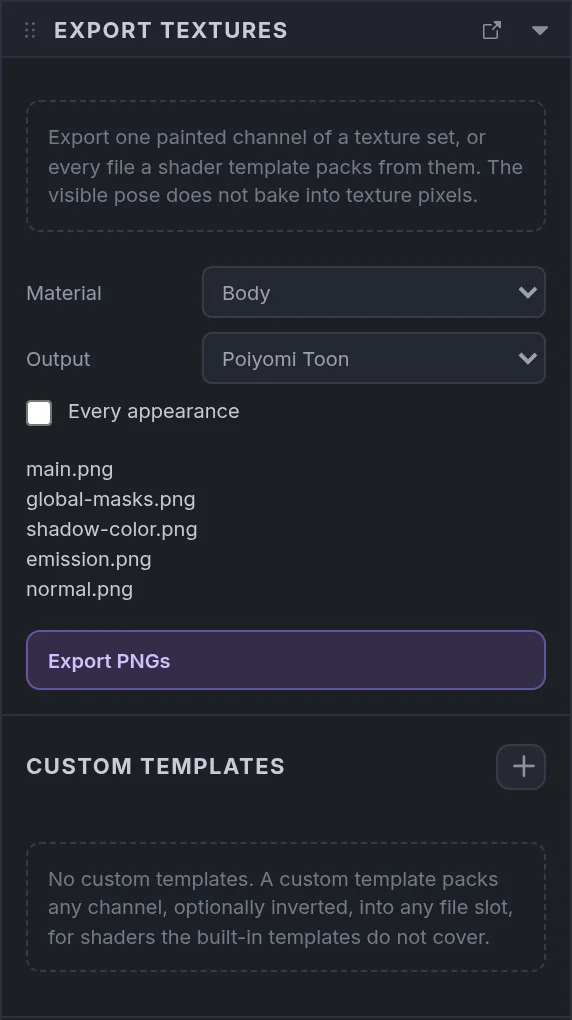
Yes. Drop the .mat files with their textures and .meta files alongside the FBX when you create the project, or onto the Assets drawer later. Base color, emission, masks and alpha come across, and decals and emissions become effects that export back into the same Poiyomi slots.
Can I share or sell an outfit for a base?
Yes. Export a pack: a .pawpack file with your layers, appearances and materials, made for that base. Buyers apply it to their own copy of the model, so you can leave the base's files out.
Does Pawlette change my avatar or Unity project?
No. It only produces texture PNGs. Rigging, PhysBones, constraints and the avatar descriptor stay in Unity untouched.
Does the viewport look like Poiyomi in VRChat?
No. Pawlette's viewport is for painting, not a Poiyomi or Quest shader preview. The export templates put each map in the slot the shader expects; check the final look in Unity.
What about lilToon or another shader?
Build a custom template: up to eight files, each channel slot filled from any painted channel or a constant, with an optional size cap. It saves with the project.